Gravit Designer in a browser
To use Gravit Designer online, point your browser to https://app.corelvector.com/ and start designing. It is recommended that you use the latest Google Chrome, Microsoft Edge, or Mozilla Firefox for the best experience.
Gravit Designer as a Progressive Web Application (PWA)
PWA lets you run Gravit Designer as a desktop-like application from your browser, with no download or extensive installation required.
The PWA works in the latest versions of Google Chrome and Microsoft Edge.
To install Gravit Designer as a PWA from your browser, click or the icon in the address bar.
When the installation is confirmed, Gravit Designer will open in a separate window and will be added to Chrome apps (after entering chrome://apps in the address bar).
Another advantage of the PWA is that it can be fully used offline. The PWA is also updated automatically.
Register a new account
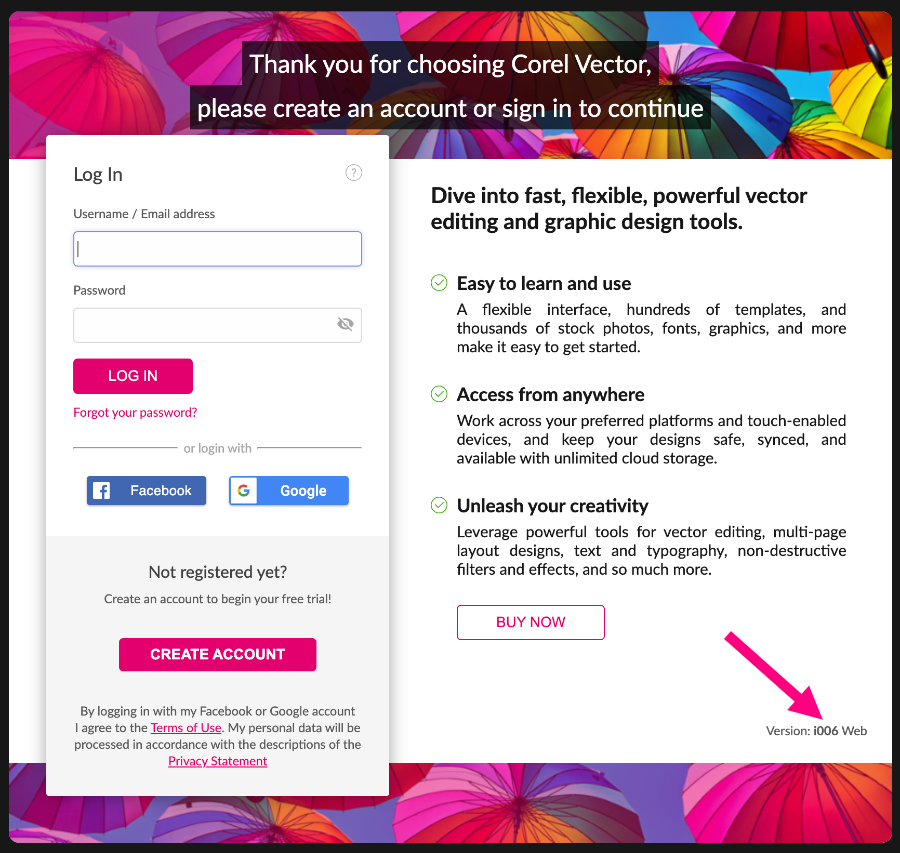
After launching Gravit Designer, you must register a new account.
There are four required fields:
- email address
- your full name
- password
- Term of Use and Privacy policy agreement
After creating an account, you will receive a confirmation email containing a link to activate your account. You must activate your account before you can use Gravit Designer.
Auto update
Once installed, Gravit Designer will prompt you to update when a new version is released. You can manually check if you are using the latest version by clicking .
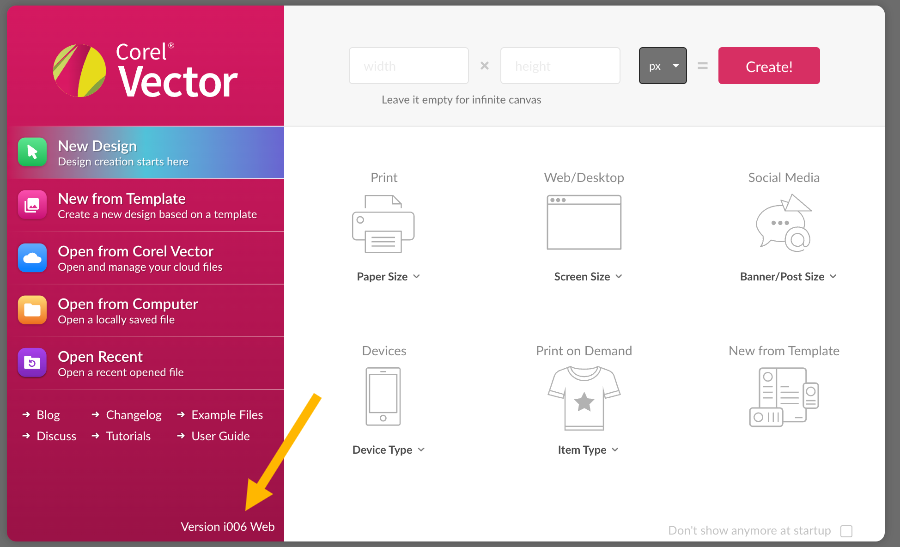
You can also check the bottom of the Welcome Screen or the Login dialog box, which displays the current version and platform.