The Help Menu marks the end of the Menu bar in Gravit Designer, but it’s usually the first item you are visiting after installing or updating the Gravit Designer.
Get Gravit Designer in your language
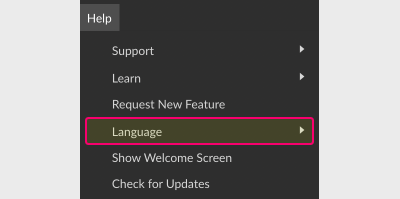
You can run Gravit Designer in your native language. Gravit Designer is available in 14 languages:
| English | Chinese Traditional |
| Portuguese | Chinese simplified |
| German | Turkish |
| Japanese | Czech |
| Russian | Italian |
| Spanish | Polish |
| French | Dutch |
So head over to to pick your language.
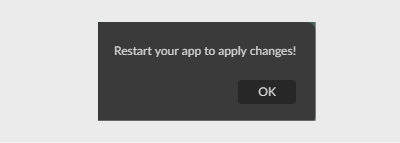
Then refresh the Gravit Designer app to commit the changes.
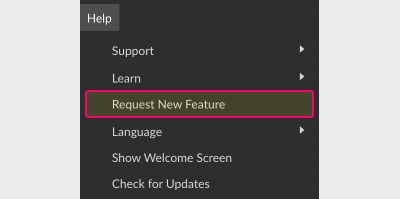
Request New Feature
If you have a feature or improvement ideas, you can share them with us by clicking on the Request New Feature option in the Help menu. This will send you to our UpVoty section where you can not only propose new features but vote for already suggested features from other users.
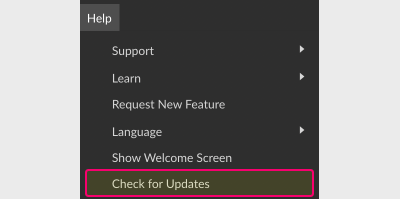
Update Gravit Designer
You can check for updates by going to .
Gravit Designer will push the message to the bottom of the document

Learn more about the app
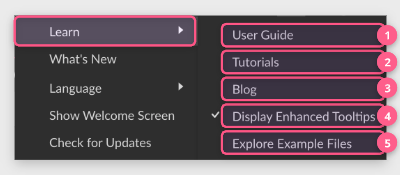
If you are looking for more information about Gravit Designer, take a look at to learn the basics in the User guide(1), watch some Youtube tutorials(2), or search the Gravit Designer’s blog(3) for more in-depth tutorials and inspirations. At the Learn menu, you can also enable or disable the Enhanced Tooltips(4), which show short snippets briefly describing the functionality of the main tools, along with links to the relevant parts of this user guide and for some cases even short videos. Through this menu, you can also access the Example Files(5).
Seek help
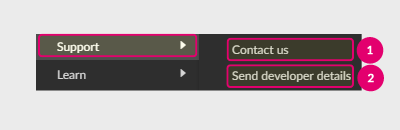
If you get stuck, head over to the to visit Gravit Designer’s support page.
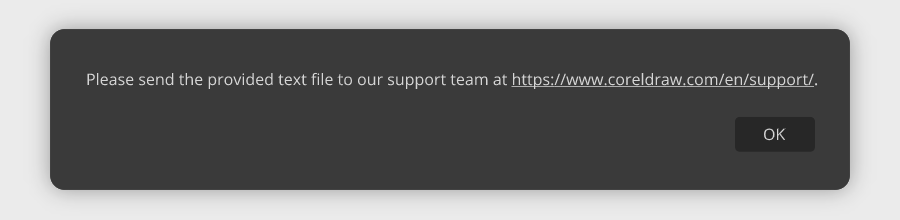
To shade more light on your problem use and save the .txt document. Now visit the support page and provide this file.
Beta Feedback

On the Beta version of Gravit Designer, the Help menu has an extra option, Beta Feedback. On the submenu, you can find the option to give your feedback about the Beta version on Gravit Designer’s forum, and the option to open a ticket by submitting a form with details about your issue.